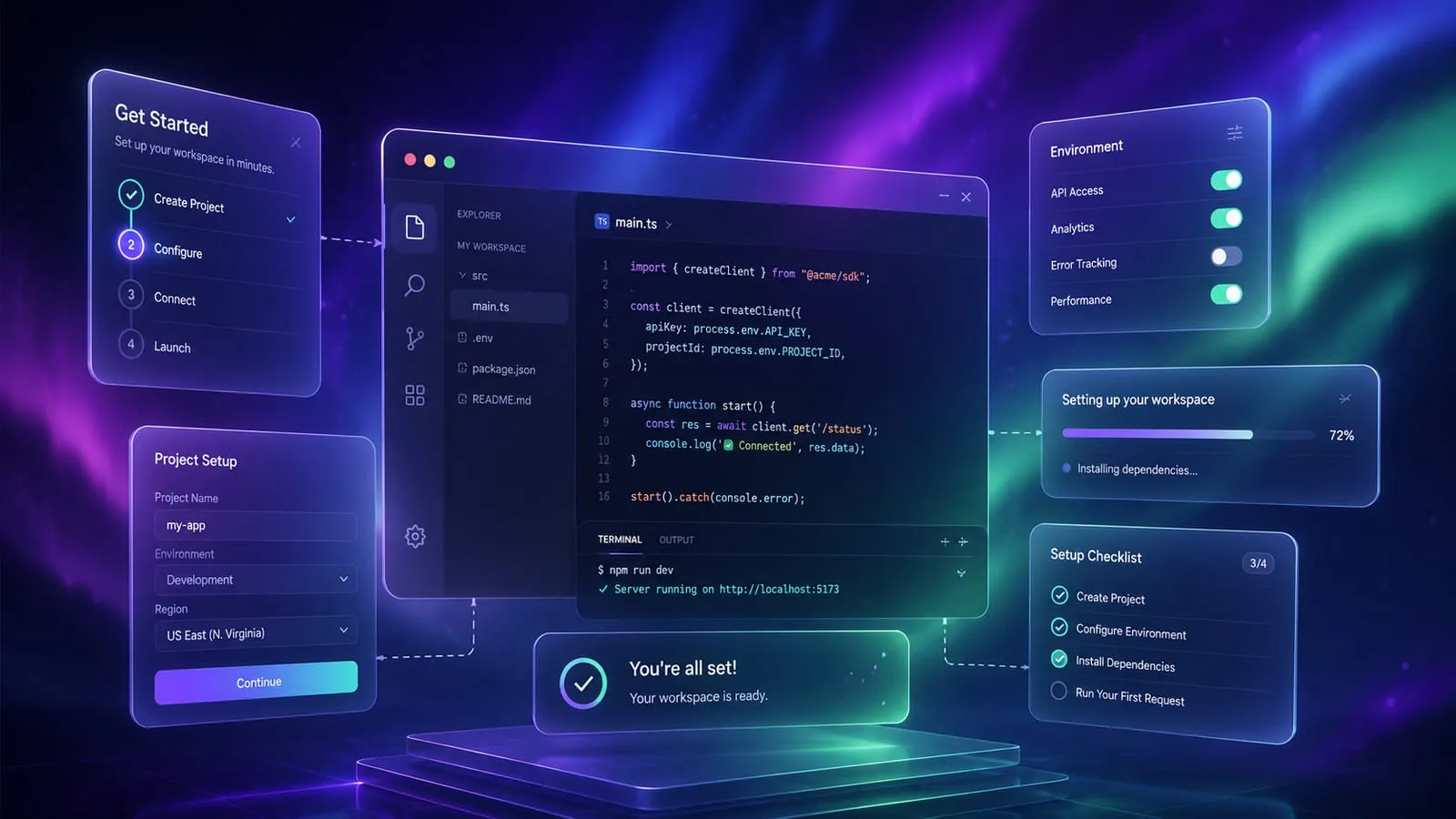
Welcome to Astro Haze, a beautiful glassmorphism theme for Astro that combines modern design with exceptional performance. This guide will help you get started with your new theme.
Quick Start
Getting started with Astro Haze is straightforward:
# Clone the repository
git clone https://github.com/yourusername/astro-haze.git

# Navigate to the project
cd astro-haze

# Install dependencies
npm install

# Start the development server
npm run dev
Your site will be available at http://localhost:3000.
Project Structure
astro-haze/
├── src/
│   ├── components/    # Reusable components
│   ├── content/       # Blog posts, projects, etc.
│   ├── layouts/       # Page layouts
│   ├── pages/         # Route pages
│   └── styles/        # Global styles and tokens
├── public/            # Static assets
└── astro.config.mjs   # Astro configuration
Customization
Theme Colors
The theme uses CSS custom properties for easy customization. Edit src/styles/tokens.css:
:root {
  --color-accent: hsl(280, 70%, 60%);
  --aurora-1: hsl(280, 100%, 70%);
  --aurora-2: hsl(200, 100%, 60%);
}
Site Configuration
Update your site details in src/site.config.ts:
export default {
  name: 'Your Site Name',
  title: 'Your Site Title',
  description: 'Your site description',
  // ... more options
};
Features
- Glassmorphism Design: Beautiful frosted glass effects throughout
- Dark/Light Mode: Automatic theme switching with user preference
- Blog System: Full-featured blog with MDX support
- Portfolio: Showcase your projects with style
- Landing Pages: Convert visitors with stunning pages
- SEO Optimized: Built-in SEO features and meta tags
- Performance: Lighthouse score 95+ on all metrics
Next Steps
- Explore Astro component syntax
- Learn about Astro content collections
- Check out Astro deployment options
Happy building with Astro Haze!